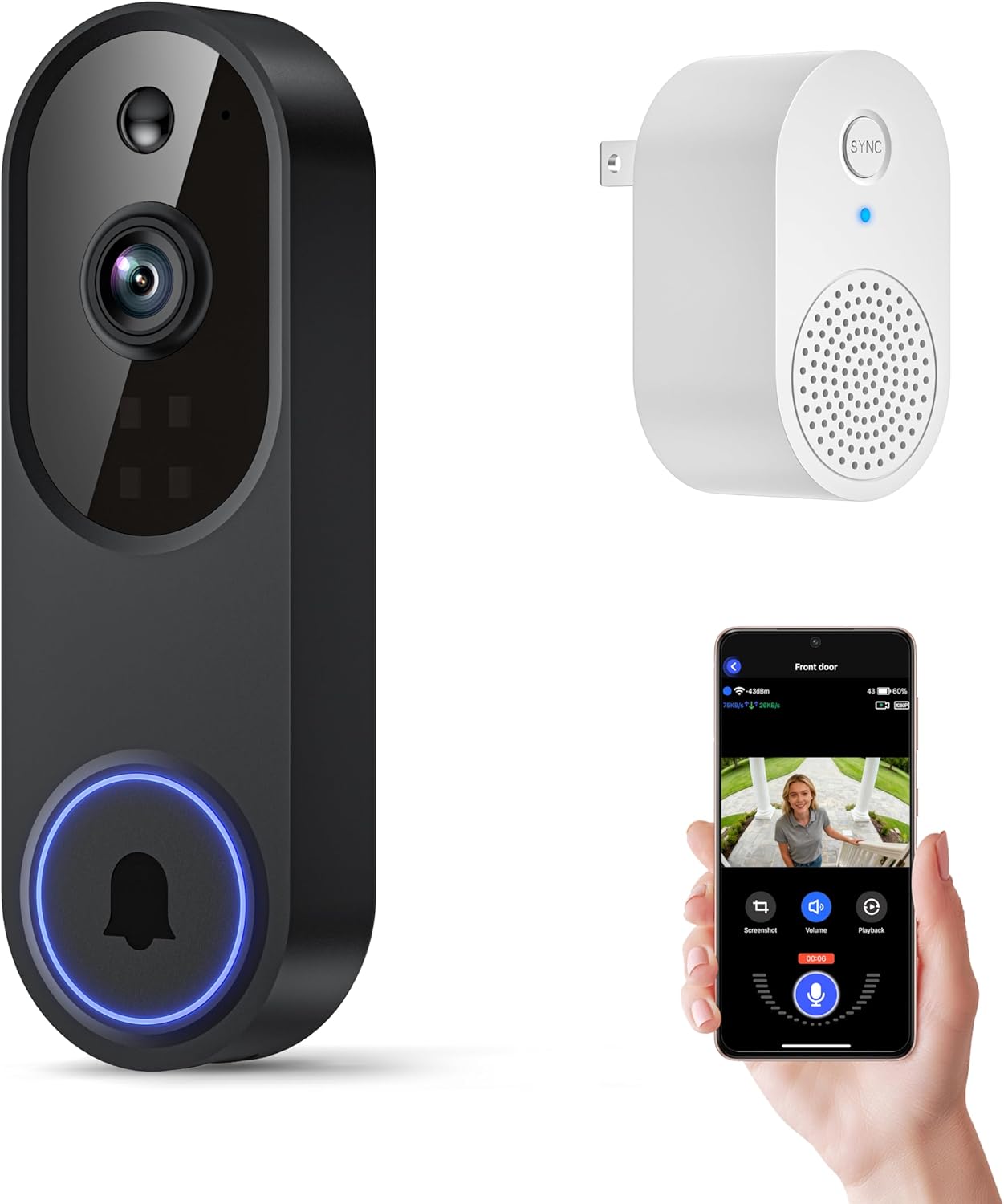
How-to · Video Doorbells
How to Use a Doorbell Camera
 By Laura Benning · Updated · How we pick
To use a doorbell camera, connect it to your home Wi-Fi through the maker's app, then answer visitors from your phone with live video and two-way talk. Motion alerts tell you when someone is at the door, and night vision keeps the view going after dark. Battery models recharge by USB, and a wired model runs on your existing doorbell wiring.
Charge the battery or connect the power
Start with power. A battery model needs a full charge before first use: the Ring doorbell detaches from the wall with the included removal tool, then recharges through USB-C. The BOIFUN doorbell runs on a built-in rechargeable battery, so plug in its USB cable until the charge is done. The Blink doorbell is wired, so follow the maker's installation manual for its connection and hire a licensed electrician where the manual says so.
Connect it to Wi-Fi and the app
Open the maker's app on your phone and follow its on-screen prompts to add the doorbell. The BOIFUN and Ring doorbells connect over 2.4 GHz Wi-Fi, so join that network on your phone during setup. Sign in with the same account each time you reinstall the app, and keep the email address and password you registered with somewhere you can find them.
Answer the door from your phone
When the doorbell rings, use two-way talk to speak with a visitor without opening the door. The Ring doorbell pairs Live View with Two-Way Talk, and the Blink doorbell adds noise cancellation to its two-way audio. The BOIFUN doorbell talks through the BoifunCam app, so you can answer on your phone to see and hear the visitor, then tap to end the call when you are done.
Set motion alerts and detection zones
Turn on motion alerts in the app so your phone tells you when someone is at the door. The BOIFUN doorbell adds human detection with no subscription, and you can adjust its motion sensitivity and narrow its detection zones to cut down on alerts from passing traffic. The Blink doorbell offers person detection with a Blink plan, and the Ring doorbell offers AI-powered alerts with a Ring Protect subscription.
See at night and save clips
After dark, the BOIFUN doorbell switches to HDR night vision with an invisible infrared fill light that reaches up to 10 meters, and the Blink doorbell switches to color video in low light and black and white in near darkness. Save the clips you want to keep: the BOIFUN doorbell records to a microSD card up to 128GB, and the Ring doorbell lets you scroll back and rewatch what you missed with a Ring Protect subscription.
What you need
As an Amazon Associate I earn from qualifying purchases. Product details come from each Amazon listing; we do not test products in person.
-
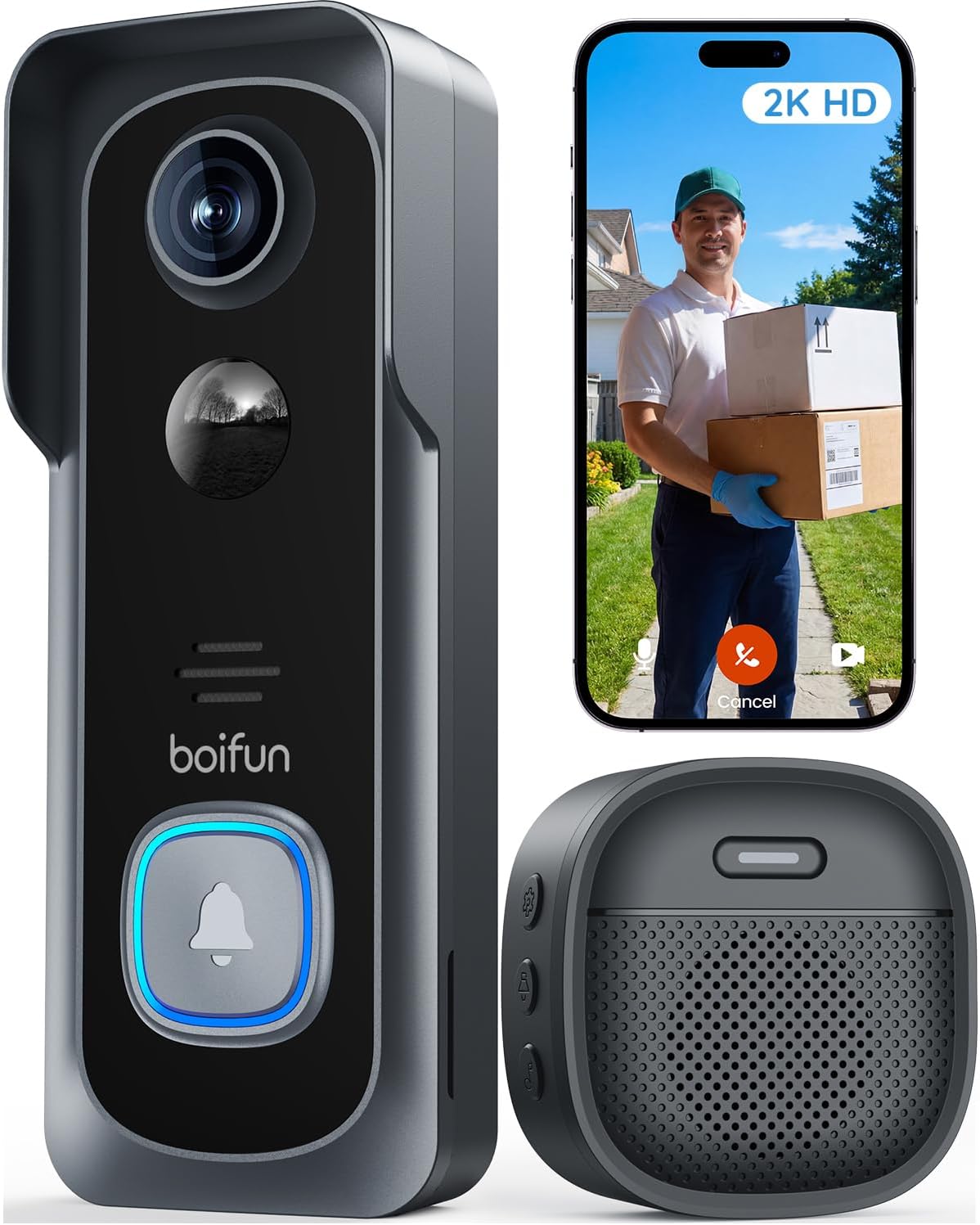
BOIFUN Video Doorbell Camera Wireless
Its 2K video covers a 166° view, it runs on a built-in rechargeable battery, and it stores clips on a microSD card up to 128GB with no subscription required.
View on Amazon -

Ring Battery Doorbell 2K
Its 2K video zooms up to 6x, it pairs Live View with Two-Way Talk, and its built-in battery recharges through USB-C.
View on Amazon -

Blink Wired Doorbell 2K+
Its head-to-toe 2K video runs on continuous hardwired power, it talks back with two-way audio, and its weather-resistant design carries an IP65 rating.
View on Amazon
These come from our ranked list Best Doorbell Camera, which compares them spec by spec.
FAQ
Does a doorbell camera need a subscription?
Not for the basics on the BOIFUN doorbell, which gives real-time alerts, two-way audio, human detection and video playback with no subscription required. The Ring doorbell needs a Ring Protect subscription to scroll back and rewatch clips, and the Blink doorbell needs a Blink plan for person detection.
How long does the BOIFUN doorbell battery last?
In laboratory conditions, the battery lasts up to 60 days with 30 daily motion activations and 10-second video recordings. Actual use varies, and you can extend it by adjusting motion sensitivity, narrowing detection zones, or avoiding high-traffic areas.
Can I hear the doorbell inside the house?
The BOIFUN doorbell comes with an indoor chime, so the ring sounds inside as well as on your phone. The Blink doorbell needs a Blink Chime or an Alexa device for in-home alerts, and the Ring doorbell sends real-time notifications to your phone.
What Wi-Fi does a doorbell camera need?
The BOIFUN and Ring doorbells use 2.4 GHz Wi-Fi only, so join that network on your phone during setup. Check the maker's manual for the network your model uses.