How-to · Dehumidifiers
How to Use a Dehumidifier in a Basement
 By Laura Benning · Updated · How we pick
To use a dehumidifier in a basement, set it upright on the floor, plug it in, set the humidity level on the panel or app, and choose the tank or a drain hose for the water. Empty the tank when the full indicator lights, or connect the drain hose for continuous drainage. Match the pints per day and the maker's coverage figure to the size of the basement.
Set it upright first
Place the dehumidifier upright on the basement floor, with space around it for air to move. The KNKA model notes to keep the unit upright at all times, and to let it stand upright for 24 hours after delivery before the first use. Plug it into a standard outlet and switch it on from the panel.
Set the humidity level
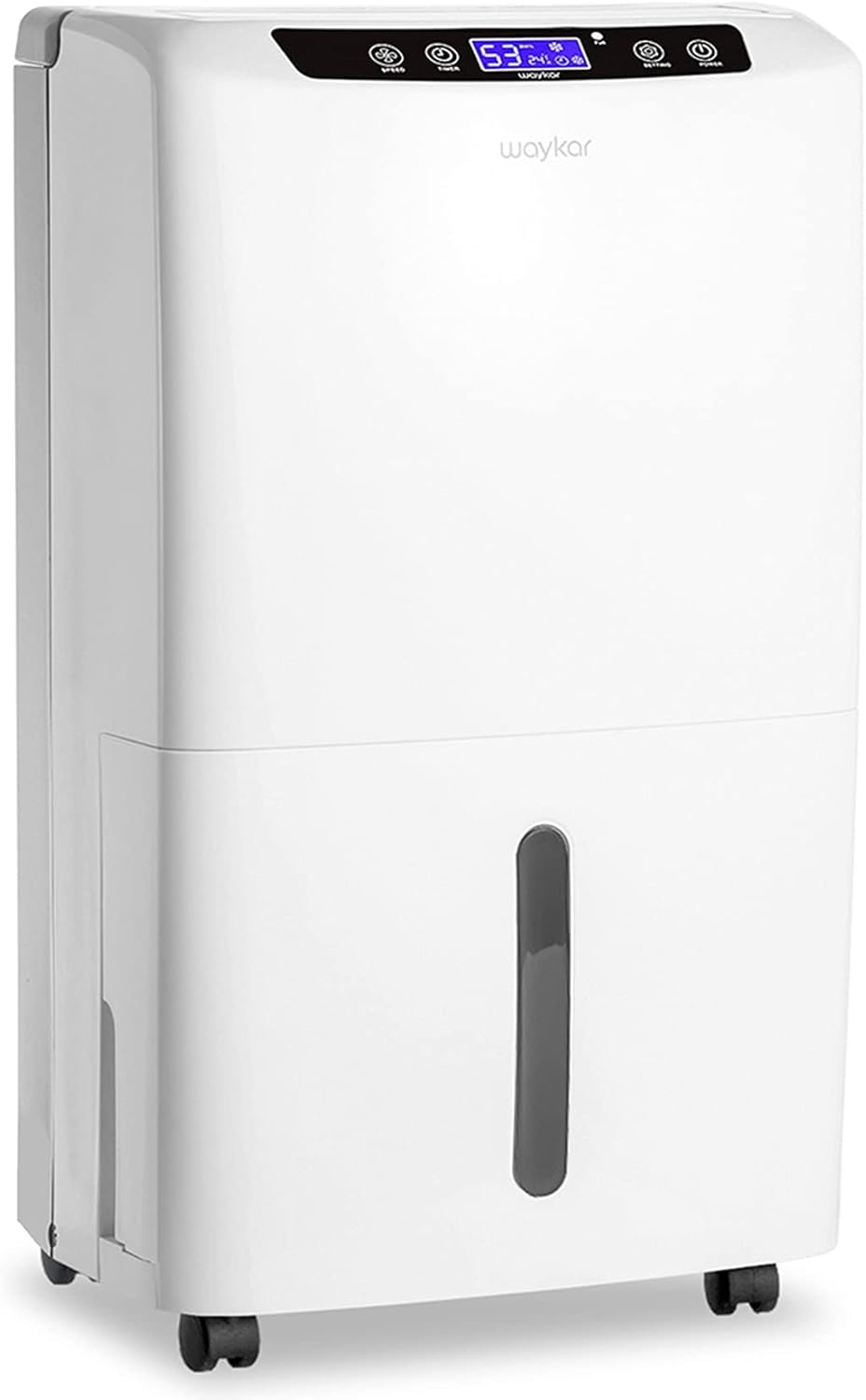
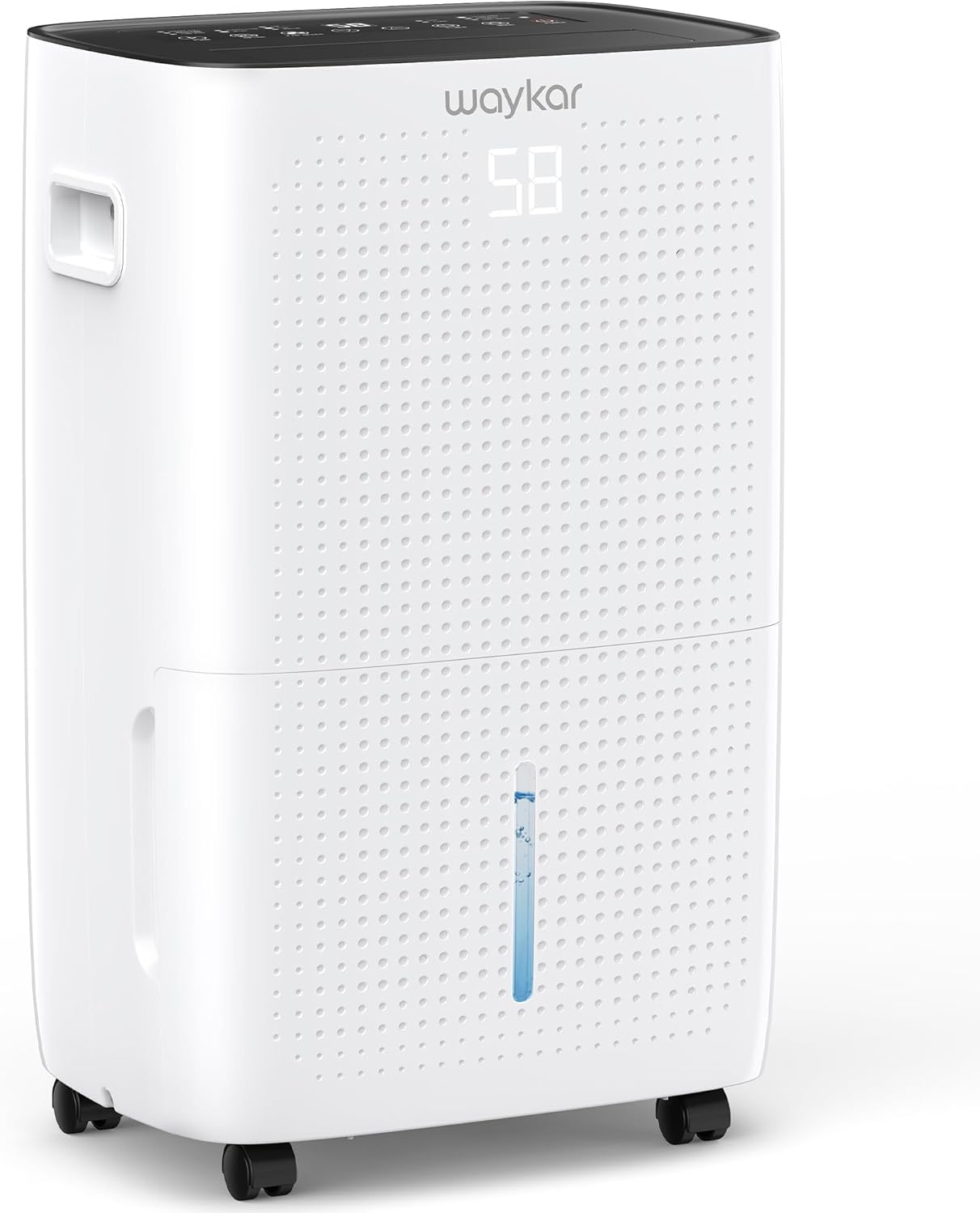
Use the panel or the app to set the humidity level the unit holds. The Waykar model controls from 30% to 80% relative humidity, the Midea Cube from 35% to 85%, and the KNKA model from 30% to 80% in its setting mode, with an AUTO mode that defaults to 50%. The HUMILABS model has an automatic mode with humidity zones you set. The KNKA model notes to keep doors and windows closed while the unit runs.
Choose the tank or the drain hose
Each model holds the collected water in a tank, or drains it through a hose. The Waykar tank holds 1.14 gallons and comes with a 3.3 ft drain hose, the HUMILABS tank holds 0.53 gallons with a 3.3 ft hose, and the KNKA tank holds 0.79 gallons with a 3.28 ft hose. The Midea Cube has a 4.2 gallon tank and a built-in pump that drains through a 16 ft tube into a sink or out of a window. The HUMILABS and KNKA models stop when the tank is full and light a full-tank indicator.
Empty the tank and clean the filter
Lift out the tank and empty it when the full indicator lights, then put it back until it sits flat. The Waykar and KNKA models have a washable filter, and the HUMILABS model has a removable filter, so rinse a filter only if the manual says it is washable and let it dry fully before it goes back in. Wipe the outside with a soft cloth and mild dish soap if the manual allows it. Follow the schedule in the maker's manual for filter care.
Match the size to the basement
Compare the pints per day and the coverage the maker gives for each model. The Waykar model removes up to 120 pints per day and is rated for up to 6,000 sq ft by the maker, the Midea Cube removes 50 pints per day for 4,500 sq ft, the KNKA model removes up to 34 pints per day for 2,500 sq ft, and the HUMILABS model removes up to 30 pints per day for 2,000 sq ft. Pick the model whose figures fit the basement you measured.
What you need
As an Amazon Associate I earn from qualifying purchases. Product details come from each Amazon listing; we do not test products in person.
-

Waykar 120 Pints 6000 Sq. Ft
A 120-pint dehumidifier rated for up to 6,000 sq ft, with 30 to 80 percent humidity control, a 90 degree auto swing and a drain hose.
View on Amazon -

Midea Cube 50 Pint Dehumidifier
A 50-pint dehumidifier for 4,500 sq ft with a built-in pump, a 4.2 gallon tank and Wi-Fi app control.
View on Amazon -

HUMILABS 2000 Sq.Ft Dehumidifier for Basement Home Bedroom
A 30-pint dehumidifier for 2,000 sq ft with three modes, a drain hose and a tank that stops the unit when full.
View on Amazon -

KNKA 2500 Ft² Max 34 Pints Dehumidifier
A 34-pint dehumidifier for 2,500 sq ft with three modes, a 24-hour timer and a drain hose for continuous drainage.
View on Amazon
These come from our ranked list Best Dehumidifier for Basement, which compares them spec by spec.
FAQ
Should I use the tank or the drain hose?
Use the tank when no drain is near, and empty it when the full indicator lights. Use the drain hose when a floor drain or sink is near, and the Midea Cube pump can drain up a 16 ft tube into a sink or out of a window.
How often should I empty the tank?
Empty it when the full indicator lights and the unit stops. The HUMILABS and KNKA models stop on their own when the tank is full, so watch for the light and follow the schedule in the maker's manual.
Can I run the dehumidifier all the time?
Yes, when the model supports continuous drainage. Connect the drain hose or use the Midea Cube pump, and follow the schedule in the maker's manual for filter care and tank checks.