
How-to · Robot Vacuums
How to Clean a Robot Vacuum Sensor
 By Laura Benning · Updated · How we pick
Wipe the sensors with a dry, soft cloth: the LiDAR window on top, the cliff sensors underneath, and the bumper and charging contacts. Dust on these parts can make the robot miss spots, bump into furniture, or fail to charge, so clean them whenever you empty the bin. Switch the robot off first, and use water or mild dish soap only if the maker's manual allows it.
Switch the robot off first
Switch the robot off and lift it away from the dock before you touch the sensors. Unplug the dock too if you plan to wipe its charging contacts. A robot that is off cannot start a cleaning run while your fingers are near the brushes or wheels, and the sensors stay still while you wipe them.
Wipe the LiDAR window on top
Find the navigation window on top of the robot: that is the LiDAR sensor, and it maps the room as it turns. Wipe it with a dry, soft cloth until it looks clear, and wipe the ring around it too. Do not press hard on the window, and do not use water or soap on it unless the maker's manual allows it.
Wipe the cliff sensors underneath
Turn the robot over on a towel and look for the small clear windows set into the base near the edges: those are the cliff sensors, and they watch for drops. Wipe each one with a dry, soft cloth, and wipe the bumper and the infrared windows on the front while the robot is upside down. Dust here can make the robot stop or turn for no clear reason, so wipe them whenever the sensors look dull.
Wipe the contacts and check the run
Wipe the metal charging contacts on the robot and on the dock with a dry, soft cloth, so the robot charges when it goes home. Set the robot back on the floor right side up and switch it on. If it still bumps into furniture or skips a room, wipe the sensors again and check the app map for a no-go zone the robot must avoid.
What you need
As an Amazon Associate I earn from qualifying purchases. Product details come from each Amazon listing; we do not test products in person.
-
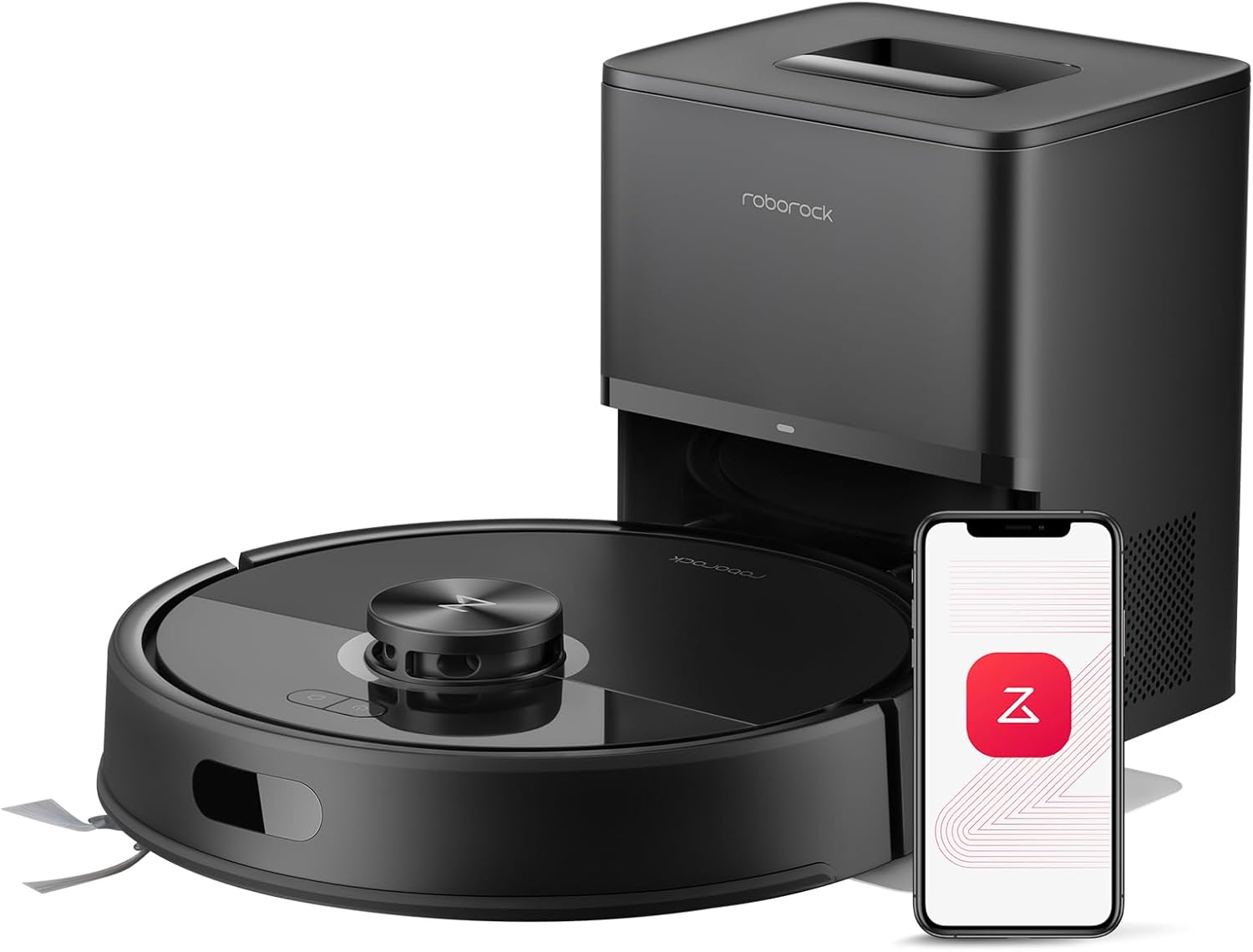
roborock Q7 M5+ Robot Vacuum and Mop
Its PreciSense LiDAR maps the home, so a clean navigation window on top keeps its cleaning paths on track.
View on Amazon -
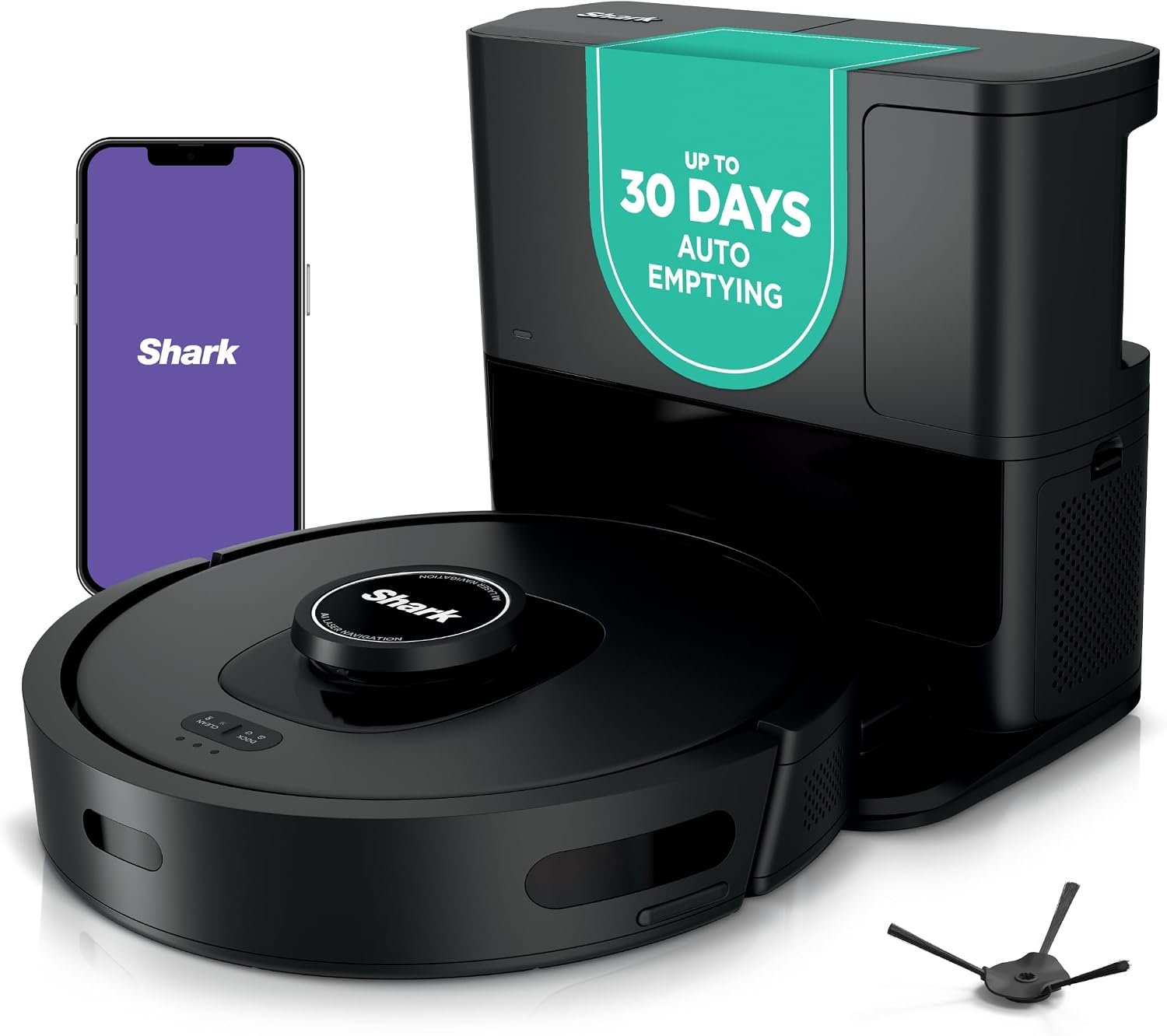
Shark AV2501S AI Ultra Robot Vacuum
Its 360° LiDAR vision maps the home and steers around objects, so a clear sensor window keeps its mapping on track.
View on Amazon -

Bagotte Robot Vacuum and Mop Combo: 8000Pa
Its 360° LiDAR laser navigation scans the home and plans routes, so a clean sensor window keeps its maps on track.
View on Amazon -

iMartine Robot Vacuum and Mop
Its infrared sensors steer it around furniture and walls, and its anti-fall sensors watch for drops, so clean windows keep it moving.
View on Amazon
These come from our ranked list Best Robot Vacuum, which compares them spec by spec.
FAQ
Can I use water on a robot vacuum sensor?
Use a dry cloth first. Use water or mild dish soap only if the maker's manual allows it, and dry the sensor fully before the next run.
How often should I clean the sensors?
Clean them whenever you empty the bin, and sooner if the robot starts bumping into furniture or skipping rooms. Follow the schedule in the maker's manual.
Why does my robot vacuum bump into furniture?
Dust on the bumper or the navigation window can keep the sensors from seeing clearly. Wipe the sensors with a dry, soft cloth and run it again to see if it still bumps in the same spot.


