
How-to · Robot Vacuums
How to Clean a Robot Vacuum
 By Laura Benning · Updated · How we pick
To clean a robot vacuum, empty the bin or dock bag, cut hair off the main brush and side brushes, wipe the sensors and charging contacts, and rinse or replace the filter as the maker's manual says. A self-emptying dock takes over the bin step, but the brushes, sensors and filter still need you. Unplug the dock before you wipe the charging contacts.
Empty the bin or the dock
Switch the robot off and unplug the dock before you open it. Lift out the dust bin and empty it over a trash can, tapping it until the dust falls out. On a model with a self-emptying dock, the dock bag or bin holds the dirt instead, so check the bag when it looks full and replace it with the maker's own type.
Clear hair from the brushes
Turn the robot over and unclip the main brush. Pull or cut away wrapped hair and string, then clean the brush ends and the slots they sit in. Unclip each side brush and remove hair caught around its base. Bent or worn bristles are a sign the brush needs replacing with the maker's part.
Wipe the sensors and contacts
Use a dry, soft cloth on the cliff sensors under the robot, the bumper, the navigation window on top and the metal charging contacts on both the robot and the dock. Dust on these parts can cause missed spots, bumps or charging errors, so wipe them whenever you empty the bin.
Look after the filter and mop parts
Tap the filter clean over the trash. Rinse it only if the manual says it is washable, and let it dry fully before it goes back in. On a vacuum-and-mop model, empty the water tank after each run and wash the mop pad so it dries before the next job.
What you need
As an Amazon Associate I earn from qualifying purchases. Product details come from each Amazon listing; we do not test products in person.
-
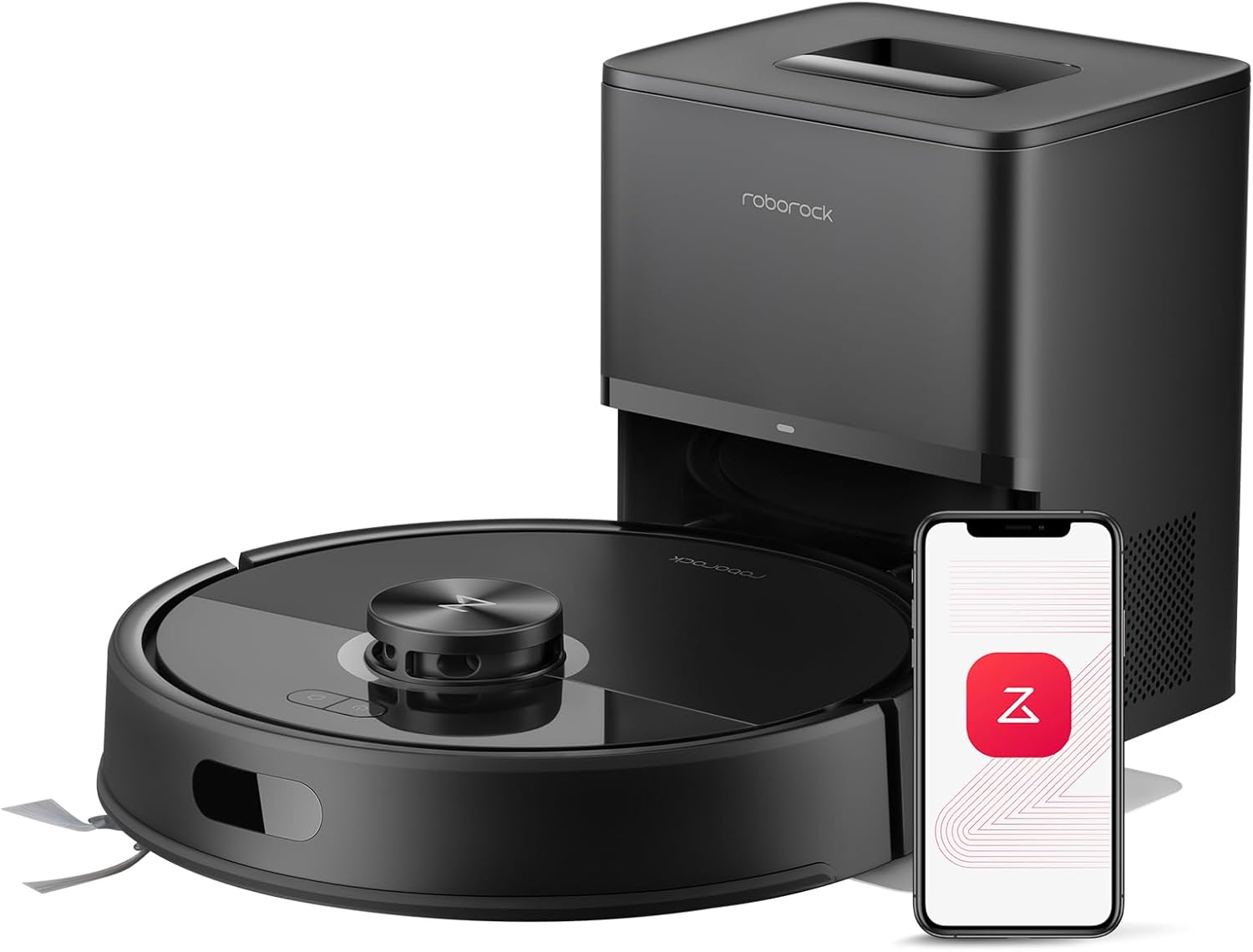
roborock Q7 M5+ Robot Vacuum and Mop
Its dock collects dirt in a 2.7L sealed dust bag, and the main brush and side brush resist pet hair wrap.
View on Amazon -
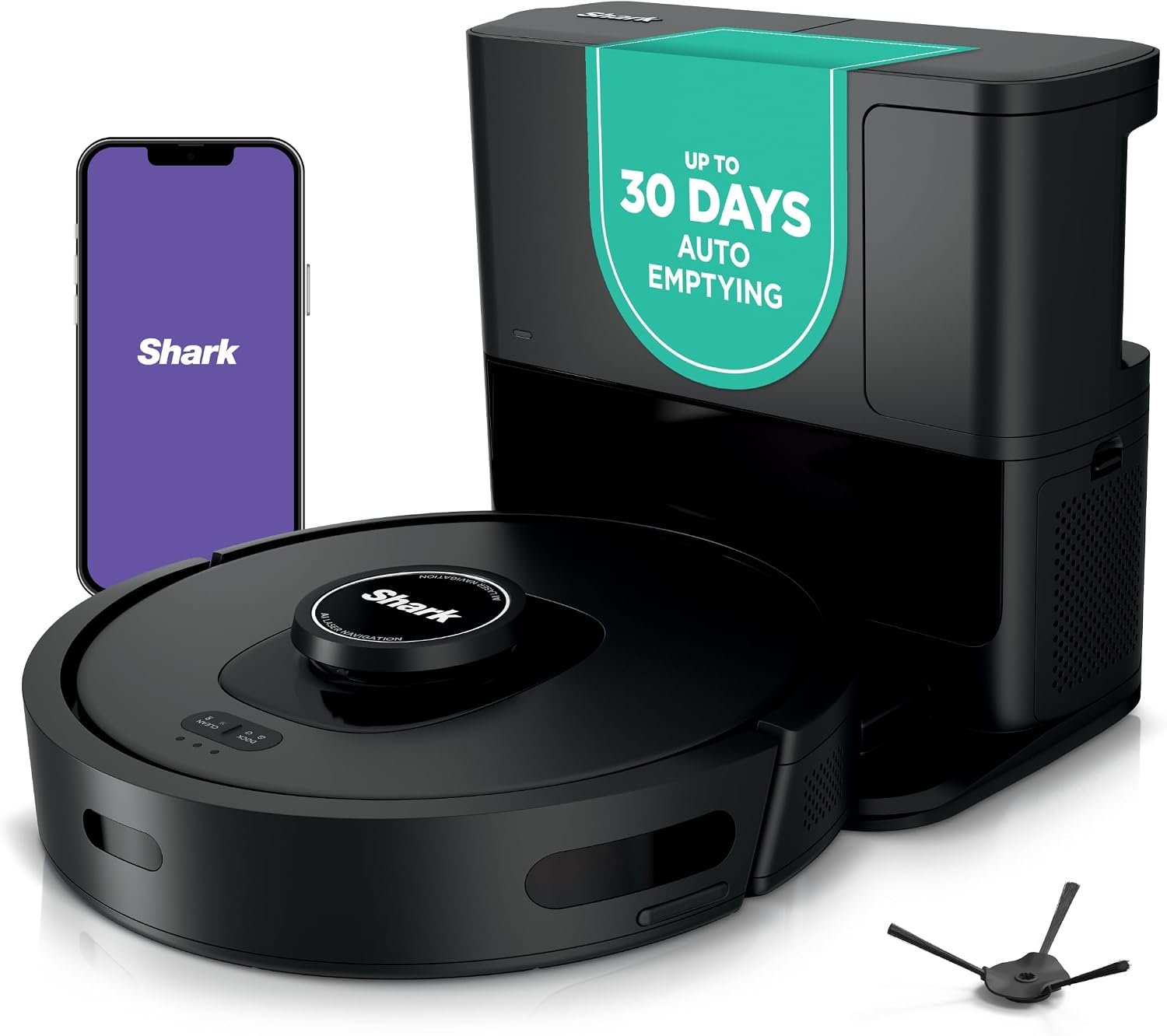
Shark AV2501S AI Ultra Robot Vacuum
Its bagless HEPA self-empty base holds up to 30 days of debris, and it has a self-cleaning brushroll and 2 side brushes.
View on Amazon -

Bagotte Robot Vacuum and Mop Combo: 8000Pa
Its 0.3L dust bin lifts out for emptying, and the robot vacuums and mops with 8000Pa suction and LiDAR navigation.
View on Amazon -

iMartine Robot Vacuum and Mop
Its 2-in-1 dustbin and water tank combine a 0.2L dustbin with a 230ml water tank for vacuuming and mopping in one pass.
View on Amazon
These come from our ranked list Best Robot Vacuum, which compares them spec by spec.
FAQ
Can I wash a robot vacuum filter with water?
Only if the maker's manual says the filter is washable. If it is, let it dry completely before you put it back. If it is not, tap it clean and replace it when it stays dirty.
Why does my robot vacuum leave dirt behind?
Dirty sensors, a hair-wrapped brush or a full bin are the first things to check. Clean those, then check the app map for no-go zones or a room left off the schedule.
Does a self-emptying dock mean no cleaning at all?
No. The dock empties the robot's bin, but you still clear the brushes, wipe the sensors and change the dock bag or empty the dock bin.


